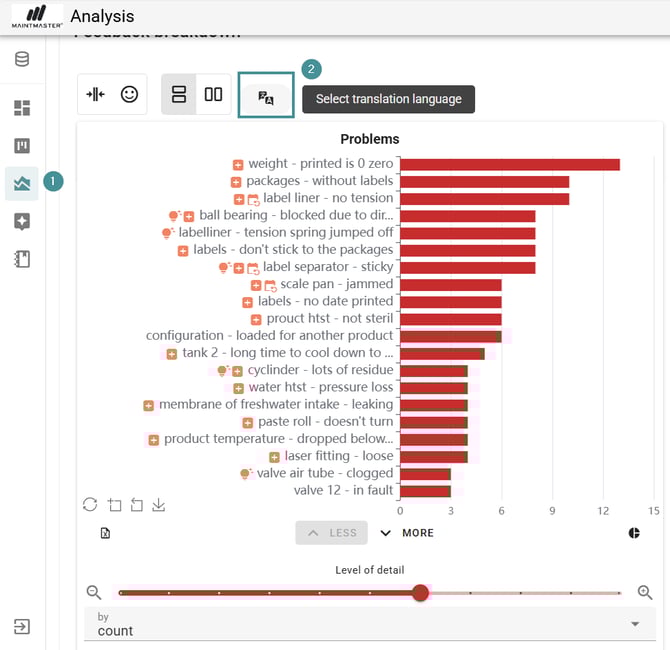
1. Go to "Analysis".
2. Click "Select translation language".
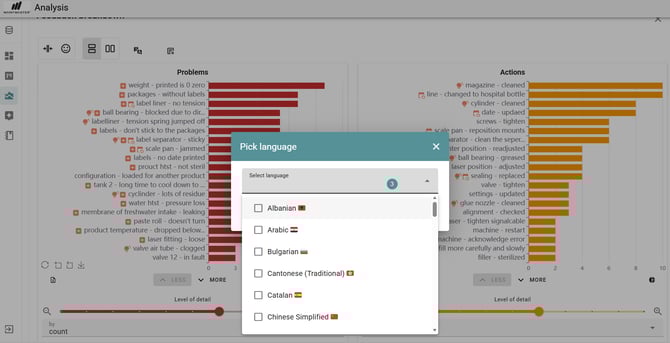
3. A pop-up window will open where you can choose your preferred language.
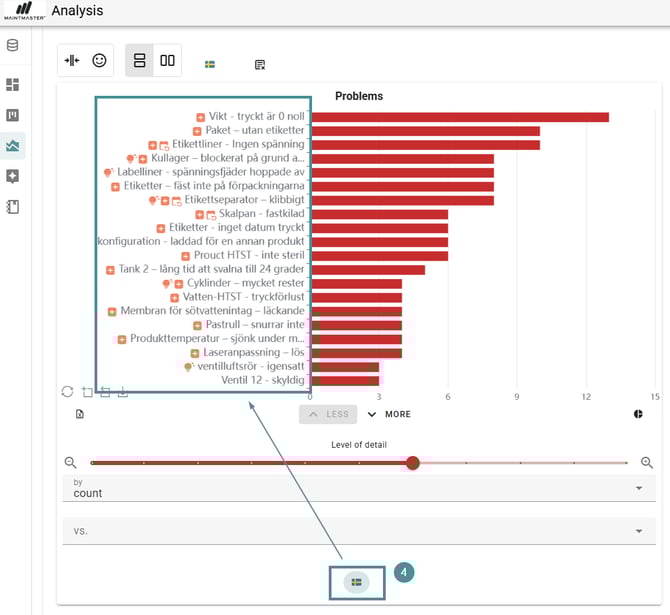
4. After selecting a language, an icon with the country flag appears at the bottom of each chart.
-
Click the flag icon to switch the chart’s content into the chosen language.
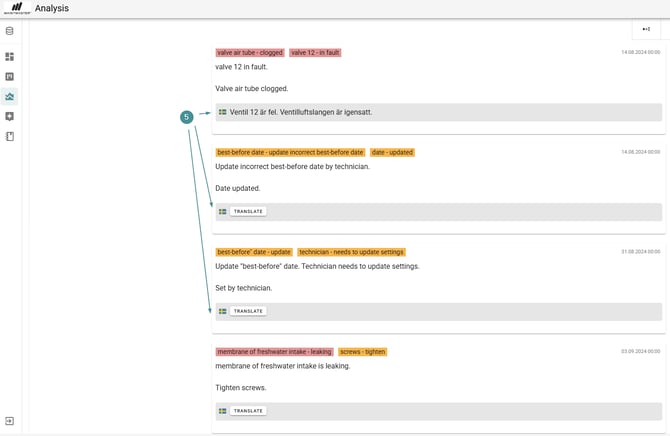
5. When scrolling through the detailed result list, you will also see a Translate button.
-
Click it to translate the text into the language you selected.