
CMMS Customers
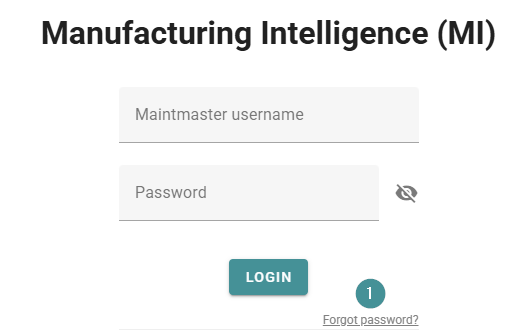
Go to the Maintmaster portal to reset it there. You can use the “Forgot password” option on the sign-in page to access the portal.
1. Go to the login page and click "Forgot password".
2. Follow the instructions in the email you receive.
OEE Customers: Reset a password as an administrator
Administrators can send a reset link to any user:
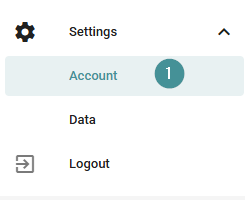
1. Go to System settings → Account.
2. Find the user and click the key icon to send a password reset email.
The user will receive a link to create a new password.
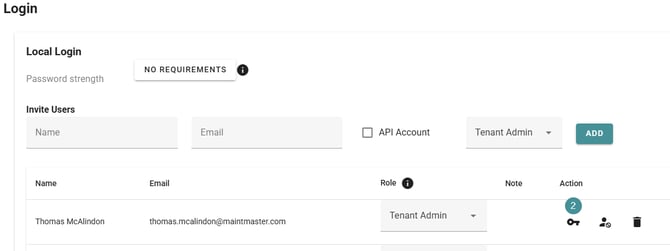
You can also copy the reset link and send it to your colleague.
Just hover over the key icon after the invitation has been sent.