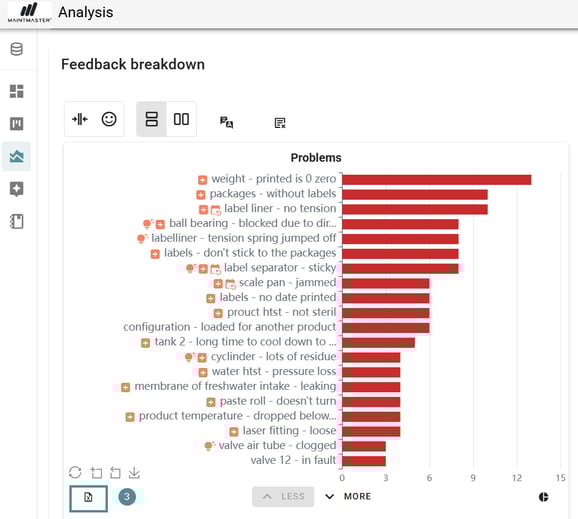
If you want to export data from an analysis that you have created there is a way to do that also.
1. Go to the "Analysis"
2. Apply the filters you need so the view shows the data you want.
3. Scroll down to the chart area. Click "Export to Excel".
An Excel file will be generated containing all data used in the chart.