Steps to deny access
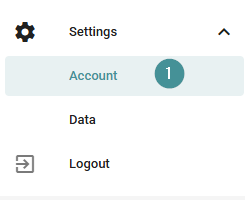
1. Go to System settings → Account.
2. Locate the user in the list.
3. Click "Block user".
Once blocked, the user will no longer be able to sign in.
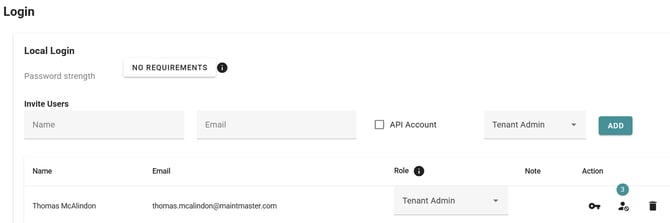

1. Go to System settings → Account.
2. Locate the user in the list.
3. Click "Block user".
Once blocked, the user will no longer be able to sign in.