
Set up your first dashboard
-
Open the "Dashboard" page from the left-hand menu.
-
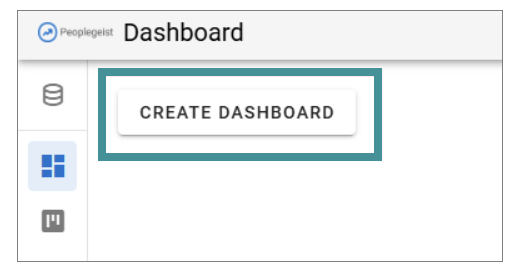
If no dashboards exist, click "Create dashboard" to add your first one.
Dashboard navigation and options
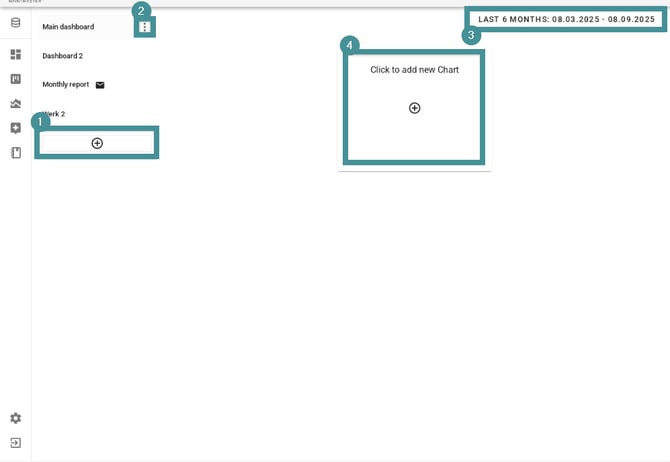
Once dashboards exist, you will see them listed on the left:
1. Create a new dashboard
-
Navigate to dashboard. Click the "plus icon" to create additional dashboards.
-
There is no limit to the number of dashboards you can create.
- Use drag-and-drop to reorder dashboards based on your preference.
2. Click the "menu icon" next to a dashboard to find options like rename or delete.
3. Use the date selector in the top-right corner to change the timeframe displayed across charts.
4. Use the "Add chart" button to place new charts on the dashboard.-
For instructions on how to create charts, see:
How do I create a chart?
Dashboards help you keep key metrics in one place and customize your view to match your team’s needs.