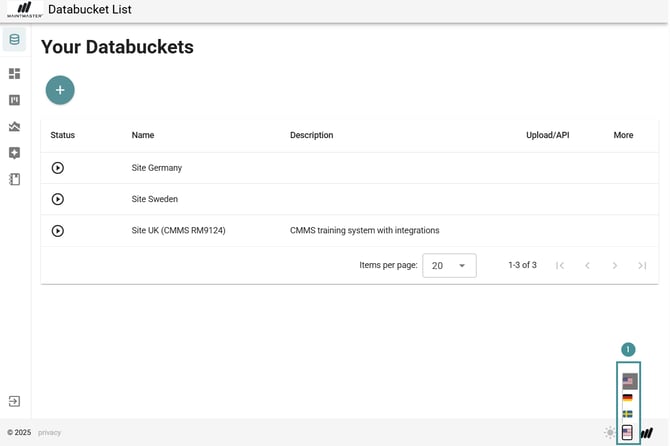
1. In any view, go to the bottom-right corner of the screen.
2. Click the language switch button.
3. Choose your preferred language:
- English
- German
- Swedish
The interface will update immediately to the selected language.

1. In any view, go to the bottom-right corner of the screen.
2. Click the language switch button.
3. Choose your preferred language:
The interface will update immediately to the selected language.