
When to use this
Use these steps when you have forgotten your password and need to reset it.
Reset your password
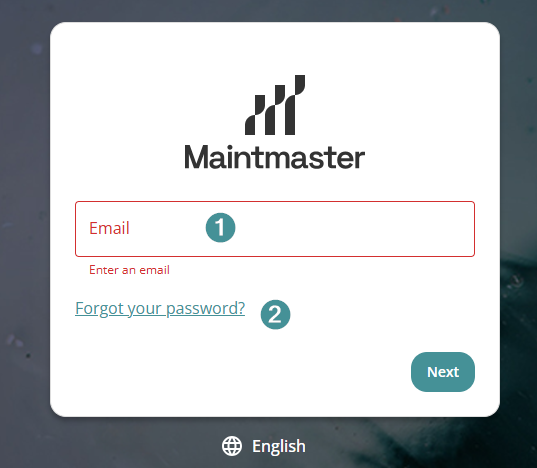
1. Enter your username (email address).
2. Click on "Forgot password."
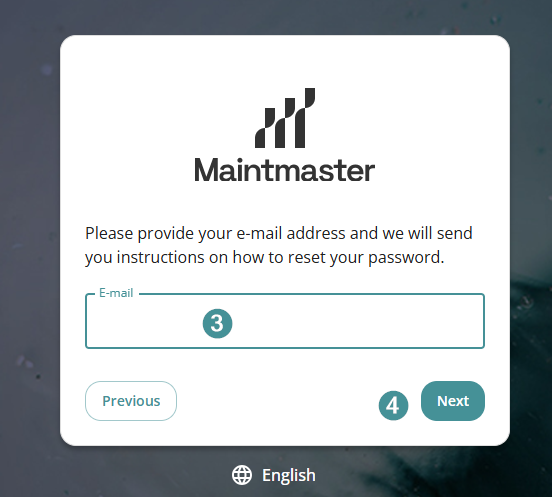
3. Check your email
4. Click Next and follow the instructions to reset your password.
Be sure to check your spam folder, as the reset email may end up there.
Troubleshooting
I haven't received the password reset email
- Check your spam or junk folder.
- Make sure you entered the correct email address.
- If the email is still missing, try the Forgot password option again.