When to use this
Use this when you, as an administrator, need to control which user groups can see a specific menu item in CMMS 10.
Set permissions for a menu item
1. Open the Edit menu.

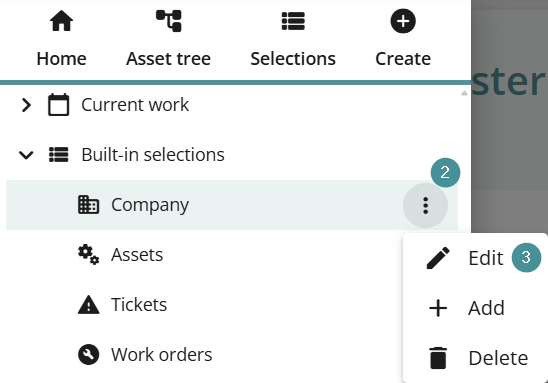
2. Click the three dots next to the selection you want to manage.
3. Select "Edit".
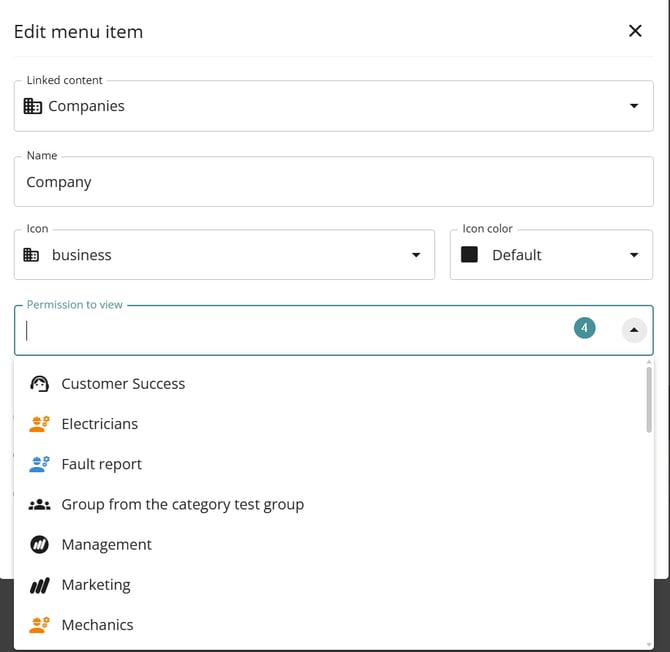
4. In the "Permission to view" column, add the groups that should have access to the menu item and save.
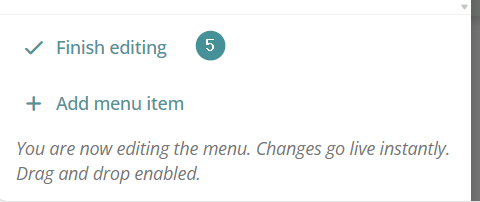
5. When finished, click "Finish editing".