
Steps to deny system access
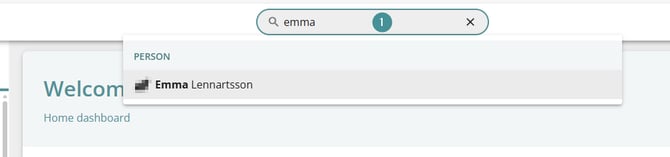
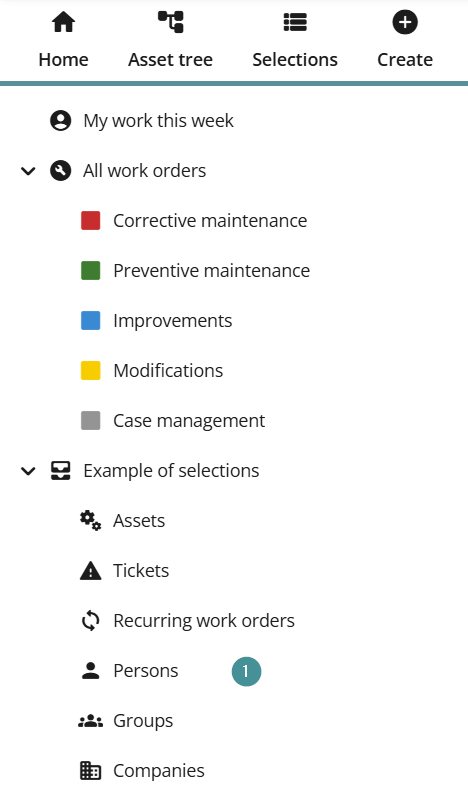
Find the user:
-
Search for the person, or
-
Go to the Persons selection and open the person card.
2. On the person card, click "Deny system access".

3. Confirm the action by clicking "Yes".
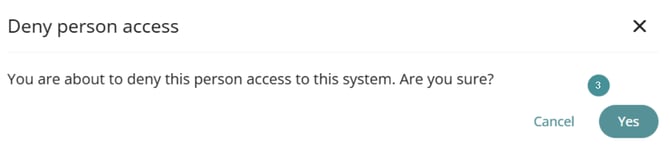
The user’s access is now denied and they will no longer be able to sign in to the system.