Steps to restore access
-
Go to System settings → Account.
-
Find the blocked user in the list.
-
Click "Unblock user".
Once unblocked, the user can sign in to the system again.
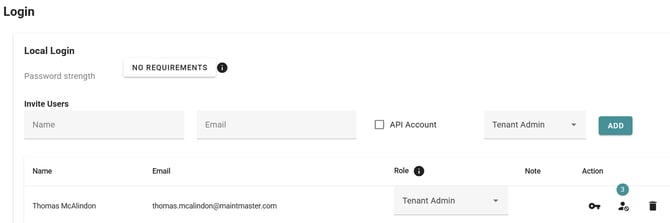

Go to System settings → Account.
Find the blocked user in the list.
Click "Unblock user".
Once unblocked, the user can sign in to the system again.