If you already have a CMMS login, you can sign in to MI using the same credentials.
You will automatically receive the default User role.
If you require additional permissions, please contact your MI administrator to update your role.
Steps to invite a new user manually
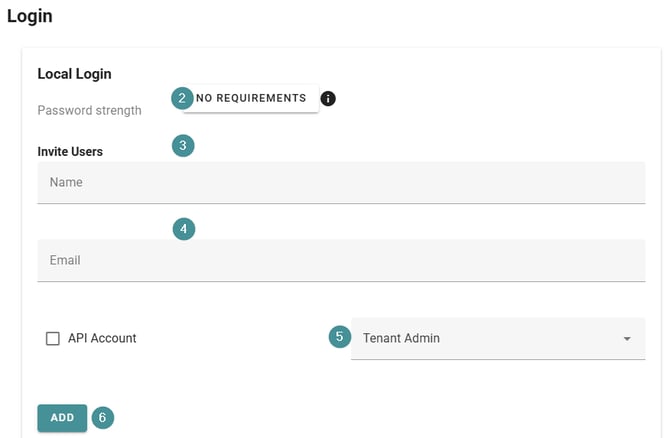
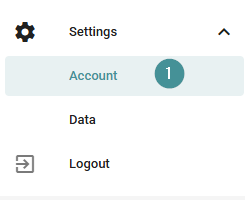
1. Go to Settings → Account.
2. Select the password strength that matches your company’s security policy.
3. Under Log in, enter the new user’s name.
4. Enter the user’s email address.
5. Choose the required role (Tendent Admin, Manager, User).
6. Click "Add" to complete the invitation.