
Search the Team History
-
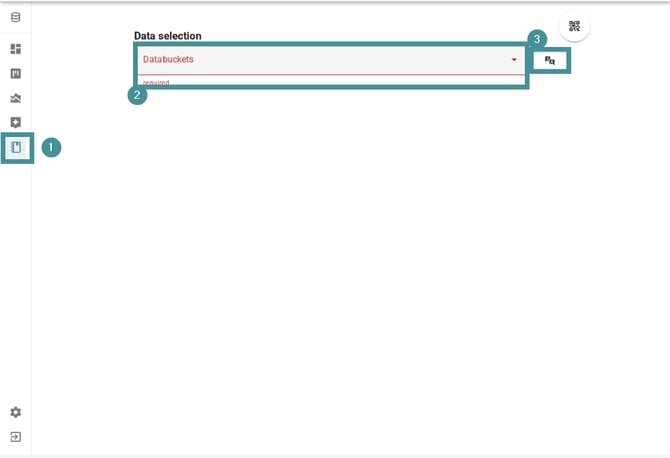
Open the Team History tab from the left-side menu.
-
Select the relevant Databucket using the data selection field.
-
If the databucket contains entries in other languages, you can enable Translation here.
Once selected, all available filters will appear.
Apply filters
-
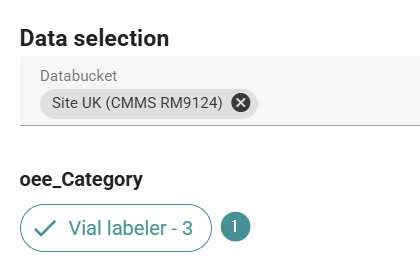
Filter by machine, line, or other fields to narrow down the results.
-
Use the free-text search to look for symptoms or short descriptions.
When you search in the text field for a specific symptom or cause, you can use more than one word in the search.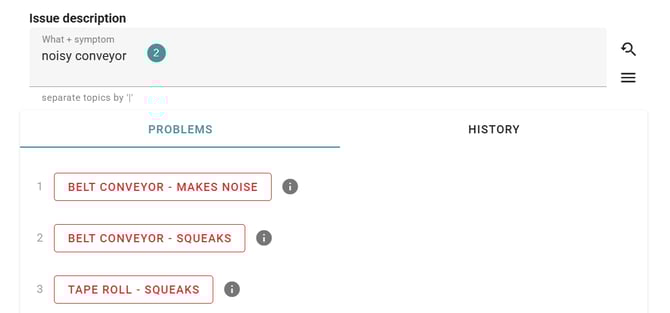
Good search examples:
-
Label crooked
-
Date missing on label
-
Valve hissing
Poor search examples:
-
Broken
-
Light flashing
Short, specific descriptions produce the best results.
3. When matching issues appear, click an entry to open the previous logs and see what was done before to fix the issue.
Save shortcuts
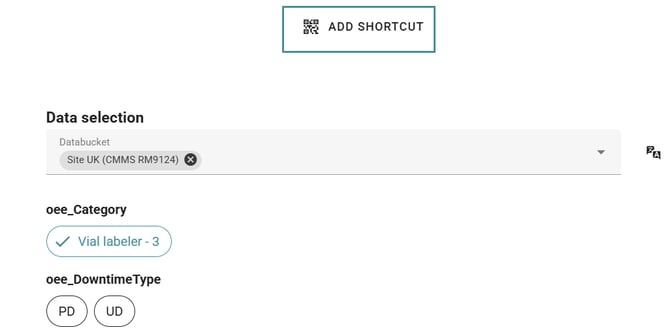
Save frequently used filter combinations as Shortcuts.
- These shortcuts can also be shared as QR codes, providing quick access to historical knowledge on the shop floor.
Using Team History effectively helps you solve recurring problems faster by reusing proven solutions.