
When to use this
The SIC report allows you to monitor data in real time and evaluate whether your changes have achieved the intended results.
How to access the SIC report
To view recent hourly reports:
- Click the green SIC icon on a Work Centre.
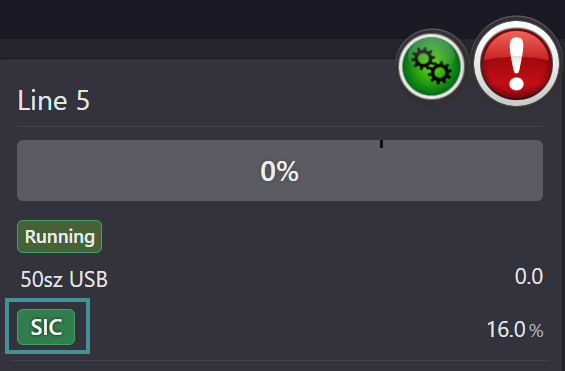
-
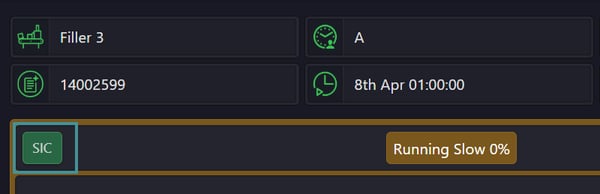
The icon is available on:
-
Plant Watch
-
Order Detail screen
-
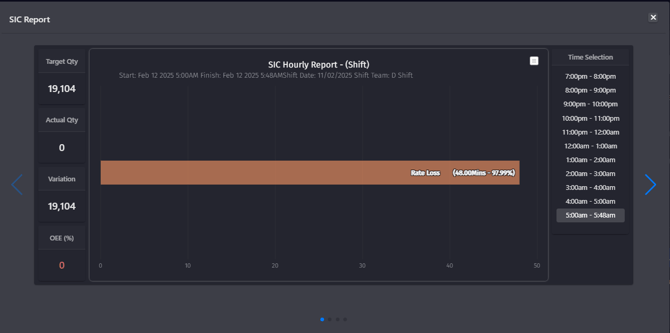
SIC Hourly Report (Shift)
This report shows:
-
All downtimes recorded during the selected hours of the shift.
-
A clear overview of when and why the machine stopped.
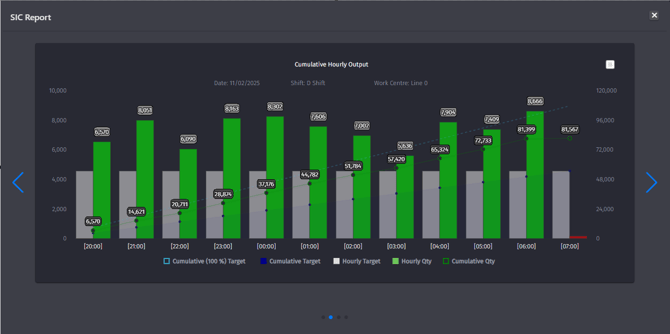
Cumulative Hourly Report
This report compares:
-
Hourly production targets
-
Actual production output
How to read it:
-
Grey bar = production target
-
Red bar = target not met
-
Green bar = target exceeded
This makes it easy to see, hour by hour, whether production is on track.
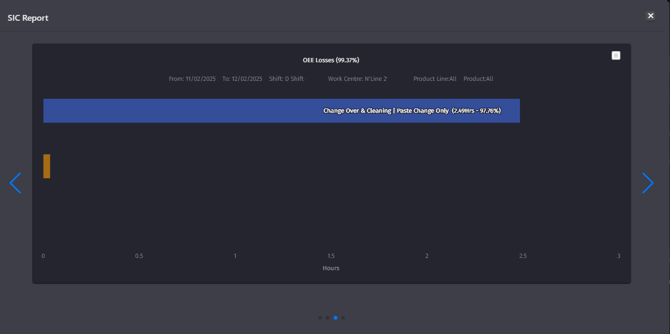
OEE Losses Report
This report shows:
-
Production losses in total hours
-
Losses broken down by individual downtime events
It provides a clear view of where time is lost and supports OEE analysis and improvement work.
SIC reports are designed to support daily follow-up, shift handovers, and continuous improvement by making production performance visible in real time.