
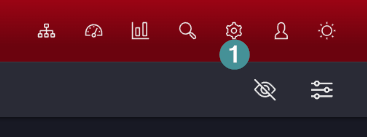
1. Open system setting and Manager.
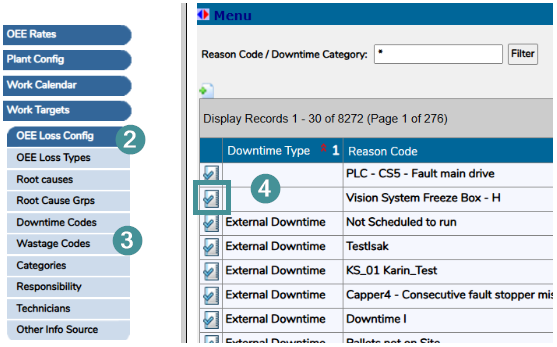
2. Go to “OEE Loss Config”.
3. Click on “Downtime Codes”.
4. Open the downtime you desire to inactivate
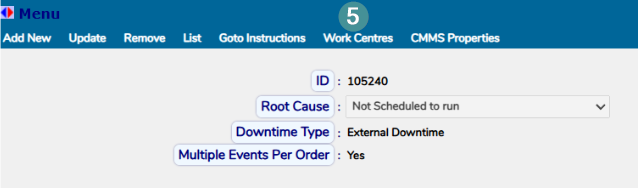
5. Open the “Work Centres” tab.
6. Open the Work Centre you want to remove the Downtime from
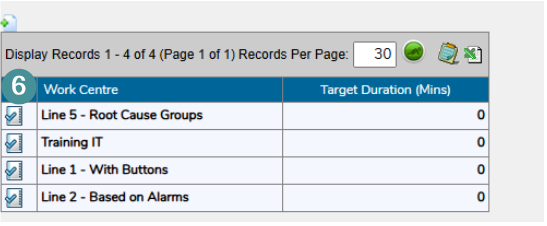
7. Click “Remove”
Now you have removed the downtime category and reason code from the line stop event for a specific work centre. This will also remove the downtime from the downloadable downtimes file, as well as from the dropdown list and operator selection. Historical data will not be affected.