
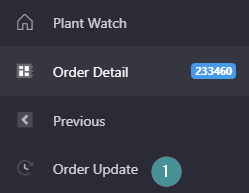
1. Go to the Left side menu and click on “Order Update”
2. Change the Product
3. Change the Order Start Time
4. Change the assigned Shift
5. Save
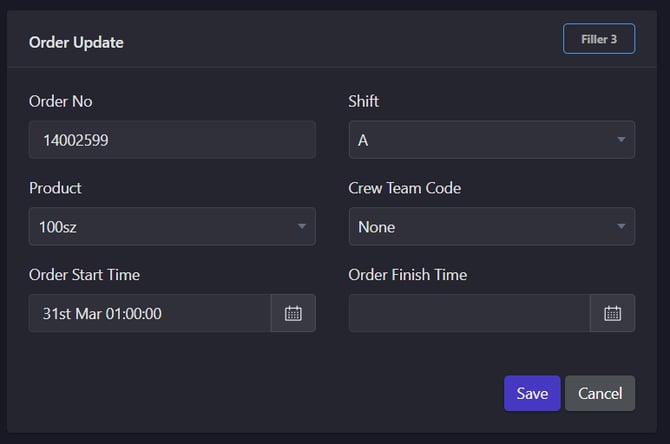
If you need to change Order Start Time, or Shift, the order has to be closed first.
1. Go to the Left side menu and click on “Order Update”
2. Change the Product
3. Change the Order Start Time
4. Change the assigned Shift
5. Save
If you need to change Order Start Time, or Shift, the order has to be closed first.