
Open the production run
- Click Edit in the top right corner.
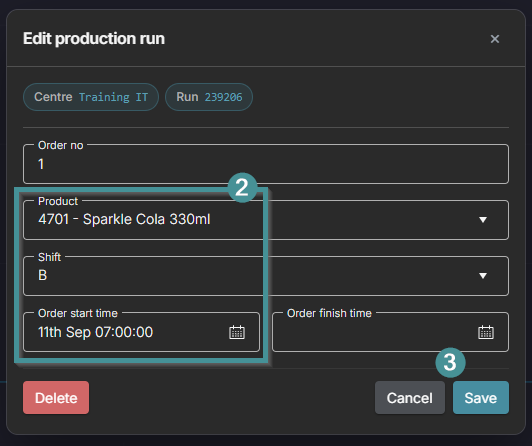
- Change the Product, the Shift or the Order Start Time.
- Click Save.

-
To change the Order Start Time or the Shift, the order must be closed first.
-
The product can be changed on an open order.