
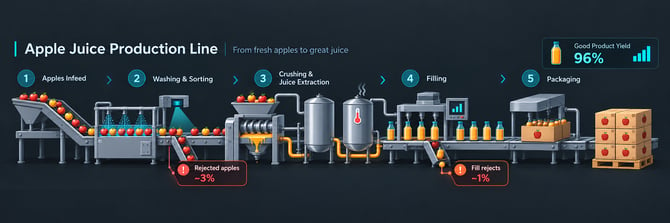
Register a yield loss
- Open the production run.
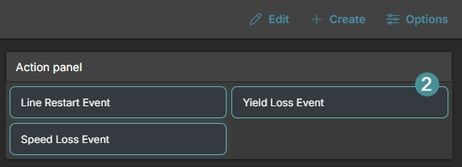
- Click on the Yield loss Event.
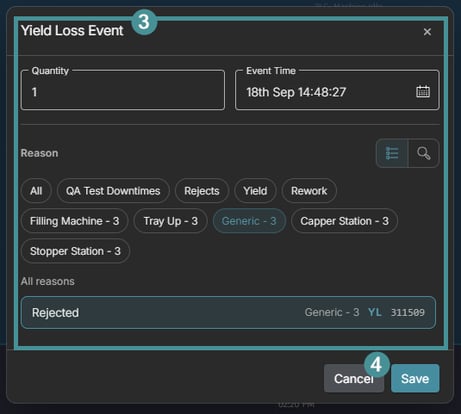
- Enter the quantity, Event Time and select the reason
- Save
View yield loss on a run
- Open the production run.
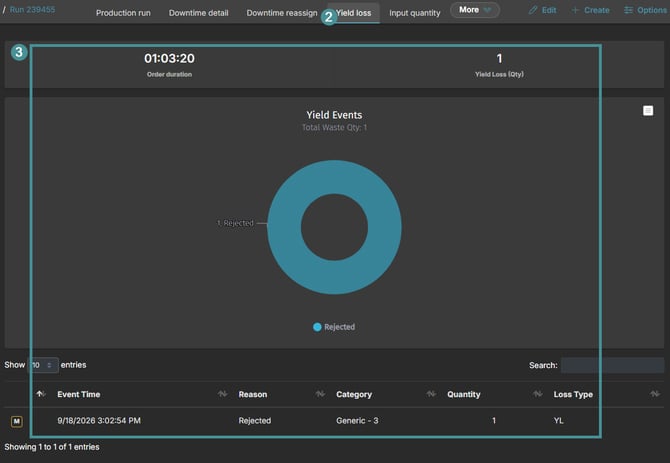
- Click the Yield loss tab.
- The counter in the top right of the panel shows the total Yield Loss (Qty) for the run. The table lists every yield loss event with Event Time, Reason, Category, Quantity and Loss Type.
Good to know
- If a yield loss was registered with the wrong reason or quantity, select it in the table and use Edit to correct it.