Log in to Maintmaster CMMS
1. Open the "IoT Control Panel" in Maintmaster.
2. Select "Menu".
3. Click on "Alerts".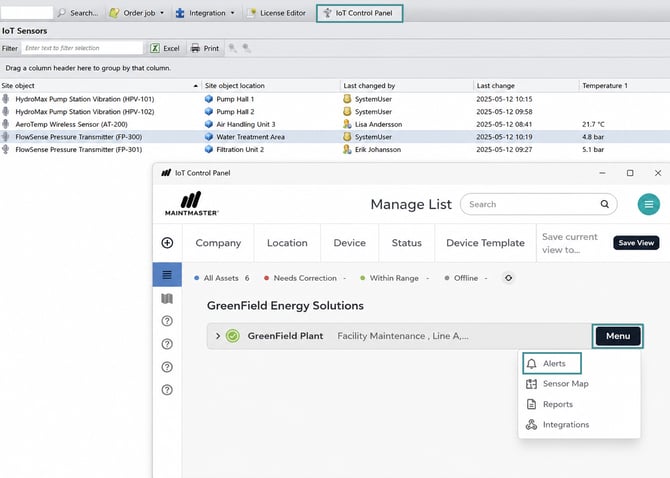
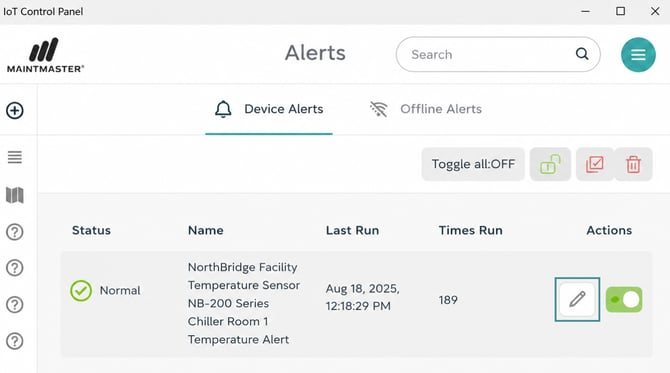
4. Locate the sensor you want to configure.
5. Click the "pen icon" next to the sensor.
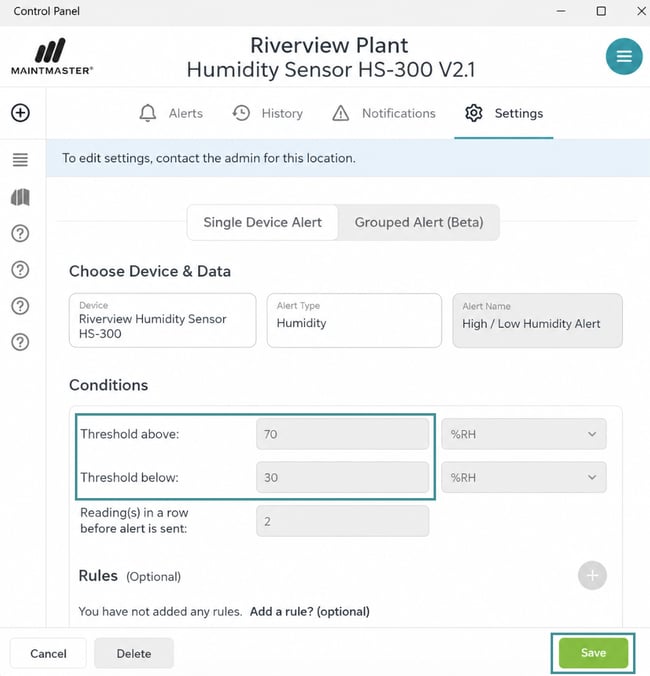
6. Enter the required values for:
-
- Threshold above
- Threshold below
7. Save the changes
You need administrator permissions to edit or save alert settings.