When to use this
Use these steps when you want to add an image to an asset in CMMS 10 to make the asset easier to identify visually.
Add an image to an asset
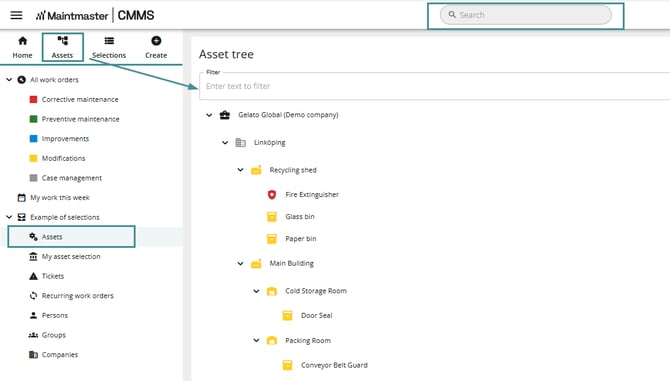
1. Open an asset from one of the following locations:
-
Open the asset from the sidebar menu.
- Search for the asset using the search function and open it.
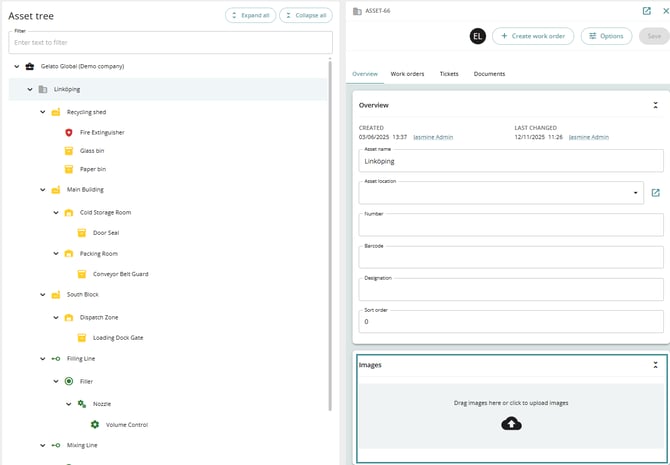
- Locate the image area in the asset tree.
2. Drag and drop an image into the image area to upload it.